
How Refunds Work on SMMViva
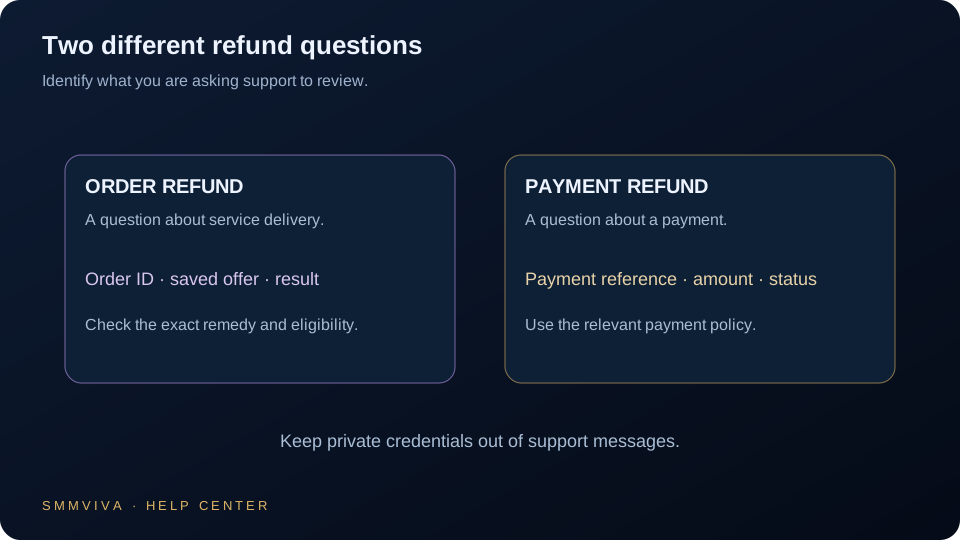
SMMViva processes refunds automatically for eligible orders and manually for dispute cases. Understanding how and when refunds are issued helps you manage your wallet balance and set correct expectations when placing orders.
Automatic Refunds
Most refunds on SMMViva are fully automatic; no ticket required. The system identifies eligible orders and processes the refund to your wallet balance without you needing to do anything.
- ✓Partial orders: undelivered quantity refunded automatically within 1-6 hours
- ✓Cancelled orders (before start): full refund to wallet, usually within 1 hour
- ✓Orders cancelled by provider: full or partial refund depending on delivered amount
- ✓Failed orders after 3 retry attempts: full refund automatically processed
Manual Refund Requests
Some situations require a support ticket for refund review. These are cases where the automatic system cannot determine eligibility without reviewing the specific order details.
Orders Not Eligible for Refunds
Not every dissatisfied outcome qualifies for a refund. The following situations are generally not eligible.
- ✓Orders fully delivered as specified in the service description
- ✓Drop in count outside the refill period; refills are time-limited
- ✓Wrong link provided; if the service was delivered to an incorrect URL you supplied, this is not a service failure
- ✓Account went private during delivery; delivery is suspended, not refunded, when a profile becomes private
- ✓Change of mind after delivery has started
If you disagree with a refund decision, reply to the official support ticket and request review. The Refund & Refill Policy governs eligibility and next steps.
Refill vs Refund: What Is the Difference?
A refill tops up a count that has dropped after delivery. A refund returns wallet credit for an order that was not delivered as specified. These are separate processes with different eligibility windows.
- ✓Refill: applies during the active refill window (3 days to Lifetime depending on service)
- ✓Refund: applies when the service failed to deliver the specified quantity
- ✓You can request a refill without forgoing a refund if both issues exist
- ✓Refill requests go through the same support ticket system; include your Order ID and current count
All Refunds Go to Wallet Balance
Refunds are always issued as wallet credit; not to your original payment method. This applies to both automatic and manual refunds. The wallet balance can be used immediately for new orders. There is no cash-out option for refunded amounts; withdrawals follow the standard $20 minimum withdrawal process.
Join thousands of resellers and agencies using SMMViva to grow faster every day.