
Why Is My Order Still Pending?
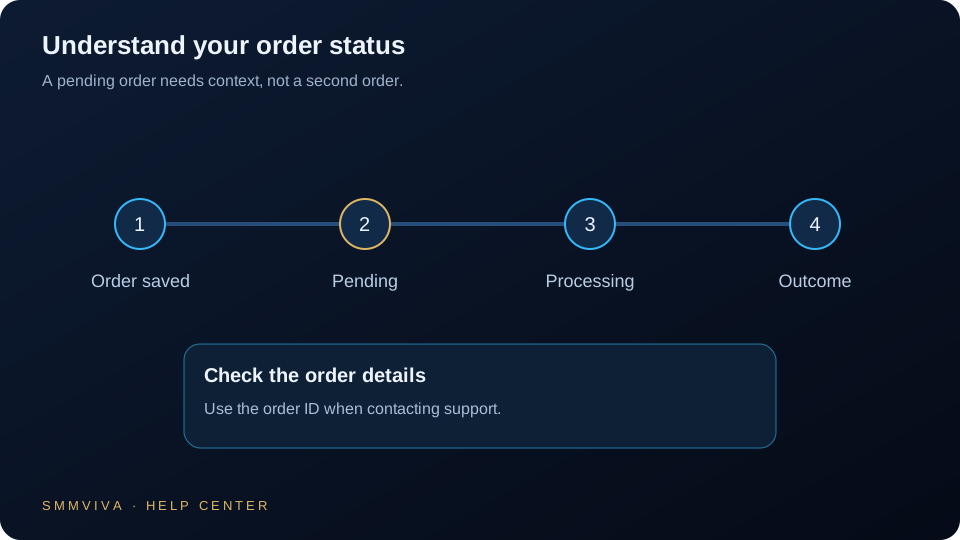
Most orders start within 5-30 minutes of placement. If your order has been in Pending status longer than expected, there are several common reasons, most of which resolve automatically without any intervention from you.
Why Orders Stay in Pending Status
Pending status means the order was received and queued for delivery. It does not mean something is wrong. Orders remain pending while they wait for provider queue processing, link validation, or scheduled delivery windows.
- ✓All new orders enter a processing queue; start times vary by service type and volume.
- ✓Most services list an estimated start time in their description; 0-6 hours is normal.
- ✓Peak hours, evenings, and weekends can extend queue times by 30-60 minutes.
- ✓Pending is normal; it is not the same as Cancelled or Partial status.
Common Causes of Extended Pending Status
If your order has been pending longer than the stated start window, these are the most likely causes.
How to Check Your Order Status
You can monitor your order in real time from the dashboard. The Orders section shows current status, start count, quantity delivered, and error messages if any.
- ✓Go to Dashboard > Orders and find your Order ID.
- ✓Check the Start Count field; if it has increased, delivery has begun.
- ✓Review the service description for the stated estimated start window.
- ✓Orders pending for under 24 hours are within normal parameters for most services.
Do not place a duplicate order while the original is still pending. Both orders will be charged and fulfilled. Wait for the original order to complete, partially complete, or be cancelled before reordering.
When to Contact Support
Support intervention is required when your order is significantly past its stated start window. Providing the right information in your ticket speeds up resolution.
- ✓Open a ticket if the order has been pending more than 24 hours past the stated start window.
- ✓Your Order ID is required; agents cannot investigate without it.
- ✓Include a screenshot showing the current order status and start count.
- ✓Check your dashboard for any automatic status updates before opening a ticket.
Most Pending Orders Resolve Automatically
The vast majority of pending orders resolve on their own within the service stated start window. Monitor your dashboard for status updates rather than contacting support immediately. If 24 hours have passed with no change and no error message, open a support ticket with your Order ID and a screenshot of the current order status.
Join thousands of resellers and agencies using SMMViva to grow faster every day.