
Can I Cancel or Modify a Running Order?
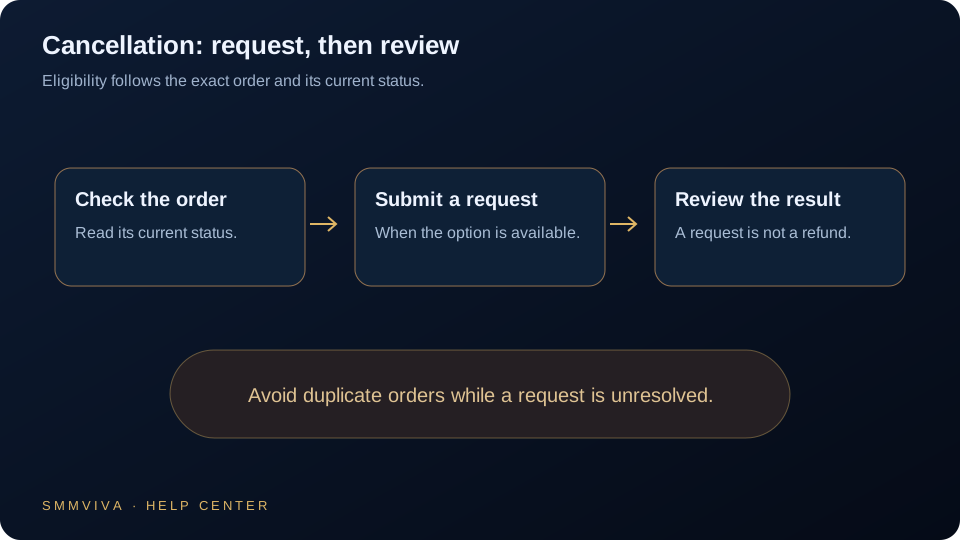
Once an order starts delivery it cannot be cancelled mid-flight, but depending on the status there are still options: partial refunds, refill guarantees, and support-assisted interventions. Understanding what is and is not possible saves time and prevents duplicate orders.
When Cancellation Is Possible
Orders can only be cancelled before delivery has started. Once the status moves from Pending to In Progress, the provider has begun fulfilling the order and cancellation is no longer available through the dashboard.
- ✓Pending orders: cancellation is sometimes possible; open a ticket immediately with your Order ID.
- ✓In Progress orders: cannot be cancelled; delivery has already begun.
- ✓Completed orders: cannot be reversed; services have been delivered.
- ✓Partial orders: refund for the undelivered remainder is processed automatically.
Act fast; orders move from Pending to In Progress within minutes for most services. If you need to cancel, open a support ticket the moment you place the wrong order.
Partial Completions and Automatic Refunds
If a service cannot deliver the full quantity ordered, it will be marked Partial. The undelivered portion is automatically refunded to your wallet balance; you do not need to open a ticket for this.
- ✓Partial status = automatic refund for the undelivered remainder.
- ✓Refunds land in your wallet balance within 1-6 hours of Partial status.
- ✓You can use the refunded balance immediately on a new order.
- ✓If a Partial order has not refunded after 12 hours, open a support ticket.
Ordered for the Wrong Link
If you placed an order with an incorrect link and it has not yet started, a support agent may be able to update the link or cancel the order. If delivery has already started to the wrong destination, the outcome depends on service type.
Modifying Quantity After Placing
Order quantities cannot be edited after placement. If you ordered too little, you can place a second order for the remaining amount. If you ordered too much and delivery has not started, contact support.
- ✓Too little ordered: place a second order; the quantities will combine on your profile.
- ✓Too much ordered (Pending): contact support immediately to cancel and reorder.
- ✓Too much ordered (In Progress): cannot be reduced; the full quantity will be delivered.
Always Review Before Placing
The most reliable way to avoid cancellation issues is to double-check the link format, quantity, and service type before confirming an order. Use the service preview in the order form to verify the profile resolves correctly. For high-value orders, consider starting with a smaller test quantity first.
Join thousands of resellers and agencies using SMMViva to grow faster every day.