
Which Telegram Link Does Your Order Need? Channel, Post, Group and Invite Links
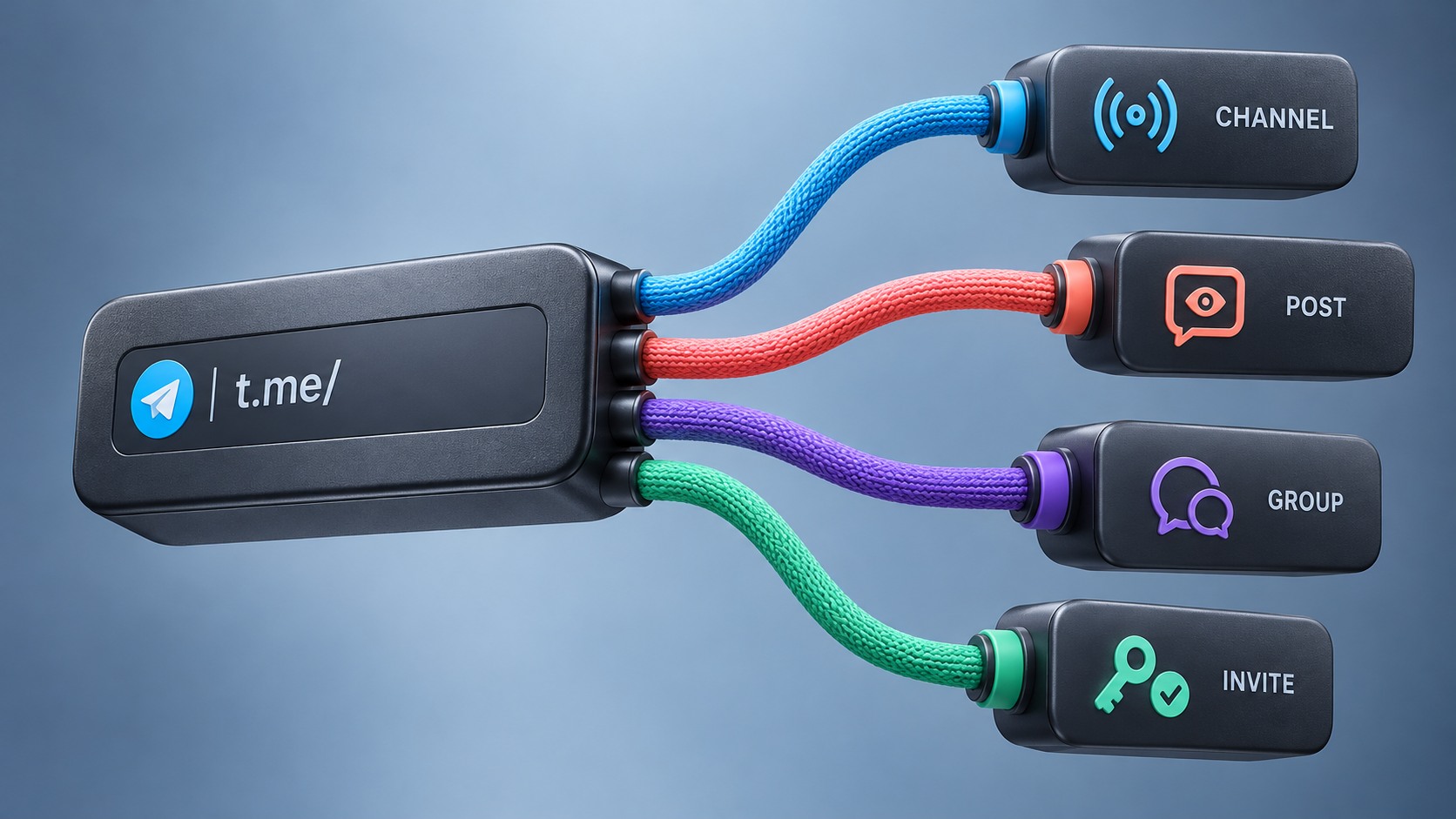
Choose the Telegram link for an SMM order by matching the service to the channel, group or post you want it to affect. A subscriber order and a single-post view order need different targets. Check whether private invites and group links are accepted before submitting them.
A link can be valid in Telegram and still be unsuitable for a particular order. The practical test has three parts: correct target, working access and explicit service acceptance.
Use the checks below before submitting an order. They help prevent a wrong-target purchase without changing your privacy settings or exposing account credentials.
First, identify what the order is supposed to affect
Read the selected service description, not just the category name. “Telegram service” is too broad to identify a target.
Write down one sentence: “This offer is for [deliverable] on [specific channel, group or post].” If you cannot complete it from the description, clarify the offer first.
Examples of the distinction:
- A channel-subscriber offer concerns the channel, not a particular announcement inside it.
- A single-post view offer concerns a specific post, not every post in the channel.
- A group-member offer concerns the group, even if that group is connected to a channel.
- A bundle or automatic-delivery offer needs its own target instructions. Do not infer them from the rules for a single-post order.
These are target-selection principles, not a claim that any provider supports every service or link type.
Recognize the main link structures
Telegram documents public username links, message links and invite links separately. The examples below use schematic placeholders, not live destinations. Replace them only with a link copied from your own authorized target. Telegram deep-link documentation.

Text version of this diagram
For a public channel or group, a username link identifies the destination. For a specific public post, a message link includes the post identifier. A private invite uses an invite token and must be explicitly accepted by the service. A private message link is not the same as a join invite. Access requirements, expiry and approval can affect use. Do not disclose real private invite tokens publicly.
| Intended object | Illustrative structure | What to check with the provider |
|---|---|---|
| Public channel | https://t.me/<channel_username> |
Does this exact service accept this channel? |
| Public group with a username | https://t.me/<group_username> |
Is a group, rather than a channel, supported? |
| One public post or message | https://t.me/<username>/<message_id> |
Is this the exact post and accepted message type? |
| Message in a private channel or supergroup | https://t.me/c/<channel_or_group_id>/<message_id> |
Is the target accessible and explicitly supported? |
| Private invite | https://t.me/+<invite_hash> |
Are private invites and their access conditions supported? |
| Legacy invite | https://t.me/joinchat/<invite_hash> |
Is this form accepted and is the invite still usable? |
A username-shaped link can point to a user, group or channel. Its shape alone does not distinguish the destination. Message links can also carry extra parameters for threads, comments or particular media. Inspect the actual target rather than guessing from the last number in a URL. Telegram deep-link documentation.
Channel link or post link? Match it to what you are ordering
Imagine a fictional order for views on one public-channel announcement. The buyer has copied the channel’s main link. That link identifies the channel, but does not identify which announcement should receive the order.
The buyer should return to the intended post, use the client’s link-copying option if available and verify that the copied link opens that post. They should then compare the link with the selected service’s instructions.
Now reverse the example: the buyer wants a channel-subscriber service but has pasted a link to one announcement. Do not assume that the provider will extract the channel automatically. Use the accepted channel-level format or ask for confirmation.
This check matters even when an order form accepts the text. A form accepting a string is not evidence that the selected service will act on the intended object.
For a post containing several media items, or a discussion-thread link, preserve what Telegram copied. Ask which item the service targets instead of removing parameters until the form stops reporting an error.
A group and its related channel are separate targets
A channel may have a linked discussion group. Telegram explains that channel comments appear in a thread and in that discussion group. A link to the discussion is therefore not automatically a substitute for the channel post or channel itself. Telegram Channels FAQ.
Before ordering, open the destination and compare its name and purpose with your intended target. If the service says channel subscribers and your link opens the discussion group, stop and resolve the mismatch.
Do not rely on similar names or matching profile pictures. Keep the selected service, target type and copied link together in your order notes so that a later support request can identify what was submitted.
Private invite links need an access check
Telegram invite links can have expiry dates, usage limits or administrator-approval requirements. They can also be revoked. A familiar-looking invite is therefore not proof that someone can join through it now. Telegram invite-link documentation.
Check the conditions you are authorized to inspect:
- Is the invite still active?
- Does it have an expiry or usage limit relevant to the planned activity?
- Does joining require approval?
- Does the service explicitly support that target and those conditions?
- Are you comfortable sharing this access route with the provider?
Your own account may already have access. Seeing the destination while signed in does not prove that a provider can reach it using the submitted link. A private page that does not appear in a browser preview may still have a valid link.
If compatibility remains unknown, confirm first or do not place the order. Do not make a private channel public, remove an approval requirement or broaden access merely to satisfy a service you have not yet evaluated.
A quick preflight decision table
| What you find | Next action |
|---|---|
| Correct target, expected content and explicit service compatibility | Continue to the remaining quantity, price and policy checks |
| Valid Telegram link, but wrong channel, group or post | Copy the correct target’s link and check again |
| Correct object, but accepted format is not documented | Ask which format this exact service accepts |
| Private invite with unsupported or unknown approval conditions | Do not submit until compatibility is established |
| Expired or revoked invite | Ask the authorized administrator about an appropriate current link; preserve privacy controls |
| Form error despite a correctly copied target link | Save the error and ask support; do not place repeated paid orders to test variations |
The outcome “unknown” is useful. It prevents a syntactically tidy link from being mistaken for a confirmed delivery target.
What to send when an order form says “invalid link”
Give support the selected service name or ID, intended target type, exact error text and the time it occurred. Include the link only through the provider’s appropriate private support route and only if you are authorized to share it.
For a private destination, a redacted screenshot of the error may help explain the issue, but it cannot establish whether the actual invite works. Do not post a private invite in a public support thread. Do not provide Telegram passwords, login codes, recovery details or unrelated private messages.
If an order has already been created, include its ID and check its status before trying again. A link correction may require a documented support process; a second submission can create a separate order and charge.
A correct link does not settle the buying decision
Link compatibility confirms only part of the order setup. It does not establish genuine interest, future sales or that the delivery method complies with Telegram’s rules. Telegram warns against unwanted messages and additions to groups or channels. Avoid a service that depends on those practices. Telegram Spam FAQ.
For audience development, useful content, permission-based sharing and native advertising remain alternatives to purchasing a counter. Choose the method for your real objective, then use the correct link for that method.
When considering a SMMViva order, check the Telegram service details and instructions for the selected service. If those instructions do not resolve your target type or privacy conditions, ask before paying. Once the target is confirmed, use the order-cost guide to check the financial side of the order.
Sources and review date
Official references checked on 28 October 2026: Telegram deep links, Telegram invite links, Telegram Channels FAQ and Telegram Spam FAQ. Official link syntax does not establish any panel’s service compatibility.